Keywords: AI for Teachers, TLM, ABL, NEP 2020, Activity-Based Learning, Free AI Tools, Personalized Learning India, Classroom Innovation.

The Indian education system is navigating its most significant pedagogical shift in decades. The National Education Policy (NEP) 2020 mandates a departure from rote learning, championing experiential and Activity-Based Learning (ABL). For the committed Indian teacher, this translates into a formidable challenge: how to craft innovative, differentiated Teaching-Learning Material (TLM) for large, diverse classrooms without spending every evening grading.
The solution is not more hours, but smarter leverage of technology. This is the definitive, professional guide to integrating free Artificial Intelligence (AI) tools into your practice, providing subject-wise blueprints for TLM and ABL, and establishing a robust, low-cost workflow for an AI-augmented classroom.
Part 1: Subject-Wise Synergy – Merging TLM and ABL with AI
Effective teaching in the AI era is a deliberate blend of tangible resources (for physical engagement) and intelligent digital tools (for personalized content). Below is the blueprint for creating high-impact, AI-ready lessons:
| Subject | The Concept | TLM (The Resources) | ABL (The Activity/Method) | AI-Augmented Action (Free Tools) |
| Mathematics | Ratios & Proportions | Physical: Measuring tapes, Geo-boards, Base-ten blocks. Digital: AI-generated complex word problems. | PBL: Design the School Garden: Students measure a designated area on the campus, calculate the materials needed for a boundary, and present a scaled drawing (ABL). | Google Gemini/ChatGPT: Generates Differentiated Problem Sets instantly (easy practice vs. complex application) for all student levels in 3-5 minutes. |
| Science | Sound/Light Wave Properties | Physical: String, Tuning fork, Charts on wave diagrams. Digital: Virtual Lab simulations, AI-designed experiment protocols. | DIY Model & Demonstration: Students build a functional model (e.g., string phone) and design an experiment to measure sound travel, documenting their process in a digital report. | MagicSchool.ai/Brisk Teaching: Creates a Science Inquiry Worksheet and a Rubric for grading the experiment’s observational skills, minimizing teacher preparation time. |
| Languages | Persuasive Writing / Dialogue | Physical: Student-written drafts, Story cards. Digital: AI-generated counter-arguments for a debate, Free Grammarly check. | The Community Debate: Students research a local civic issue (e.g., traffic), use the AI-generated debate points (TLM) to role-play a town hall meeting, and defend their stances. | ChatGPT/Claude: Instantly revises a student’s paragraph to be at a Grade 8 reading level and provides a list of synonyms to boost vocabulary. |
| Social Studies | History: Empires & Trade Routes | Physical: Historical timelines, Large printed world maps. Digital: AI-summarized primary source excerpts, Interactive map visualization. | Trade Simulation Game: Students take on roles of different historical empires, using AI-generated economic data (TLM) to negotiate resources and trace routes on a physical map. | Canva AI: Designs a visually engaging Timeline Infographic for the lesson’s duration, converting historical dates into a memorable visual asset in 10-15 m |
Part 2: The ₹0 AI-TLM Workflow – Making, Preserving, and Implementing
The costliest resource in Indian education is teacher time. AI effectively eliminates this cost. The following workflow focuses on how to leverage free tools and manage the resulting materials efficiently.
A. Low-Cost “Digital Resource Center” (DRC) Setup
Your AI ‘lab’ is not a room full of expensive hardware, but a well-organized workflow, achievable with minimal resources:
- The Hub (The Device): Any reliable laptop or computer (even an older model) is sufficient, provided it can access a modern browser.
- The Lifeline (Internet): A stable Wi-Fi or dongle connection is necessary for cloud-based AI tool access.
- The Archive (Cloud Storage): Utilize free Google Drive or Microsoft OneDrive storage tiers (15GB+ free space). This is your digital vault for preserving all generated TLM.
- The Output (Printer Access): Essential for transforming digital assets (worksheets, charts) into physical TLM for hands-on ABL.
B. The 4-Step Preservation Process
This systematic approach transforms scattered documents into a valuable, reusable resource library.
| Step | Action: From Idea to Archive | Preservation & Management |
| 1. Ideate & Prompt Engineering | Prompt Engineering: Use clear, specific prompts that include subject, grade level, topic, format, and local context. | Save the Prompt: Document the exact prompt in a master “AI Prompt Library” Google Doc. This makes replication or revision effortless later. |
| 2. Draft & Customize (Human Edit) | CRITICAL: Fact-check and customize the AI’s output. Adapt the language, replace generic examples with Indian context. | Finalize to PDF: Convert all textual TLM (worksheets, reading materials) into PDF format to lock the formatting for printing and preserve the layout across devices. |
| 3. Design & Finalize Visual TLM | Use Canva AI or Copilot to generate necessary visuals (infographics, charts, simple diagrams). Integrate these visuals into your document. | Standardized File Naming: Use clear, searchable file names: [Subject]_[Topic]_[Grade]_[Type]_[Date]. E.g., Math_Ratios_G6_Worksheet_Sept25.pdf. |
| 4. Implement & Capture Feedback | Facilitate the ABL session. Critically observe student engagement. | The Living Resource: After the lesson, add a Teacher’s Note to the original document’s first page: What worked? What modified |
Part 3: Do’s and Don’ts for Ethical and Effective AI Practice
To sustain the benefits of AI in the classroom, ethical integrity and smart professional judgment must be maintained.
The Do’s (Best Practices for AI-ABL)
- Do Prioritize Application and Creation ABL: Ensure your ABL activities require students to apply knowledge or create something tangible.
- Do Leverage Differentiation: Use AI’s unique capability to generate three versions of the same TLM (Basic, Standard, Advanced).
- Do Use Multilingual Support: Actively utilize AI to generate instructions and key concepts in regional languages, enhancing comprehension and inclusivity.
- Do Maintain Transparency: Be open with your students about which TLM was AI-assisted, turning the tool into a learning model for responsible technology use.
- Do Use the Time Saved for Mentoring: Reinvest the time AI saves you into providing focused, one-on-one feedback and ABL facilitation.
The Don’ts (Ethical and Practical Warnings)
- Don’t Abandon Verification: NEVER trust AI output blindly for factual content. Quickly cross-reference with your official curriculum.
- Don’t Input Sensitive Data: NEVER enter personal student data (names, identification, grades, personal issues) into public AI tools.
- Don’t Eliminate Physical Engagement: Resist the urge to replace all physical TLM with digital substitutes. Kinesthetic learning remains essential.
- Don’t Let ABL Become Passive: ABL requires active performance, discussion, and critical engagement with the material, not just passive viewing.
- Don’t Lose the File (Save Strategically): Always preserve the digital version in your Cloud Drive so you can easily edit and update it later.
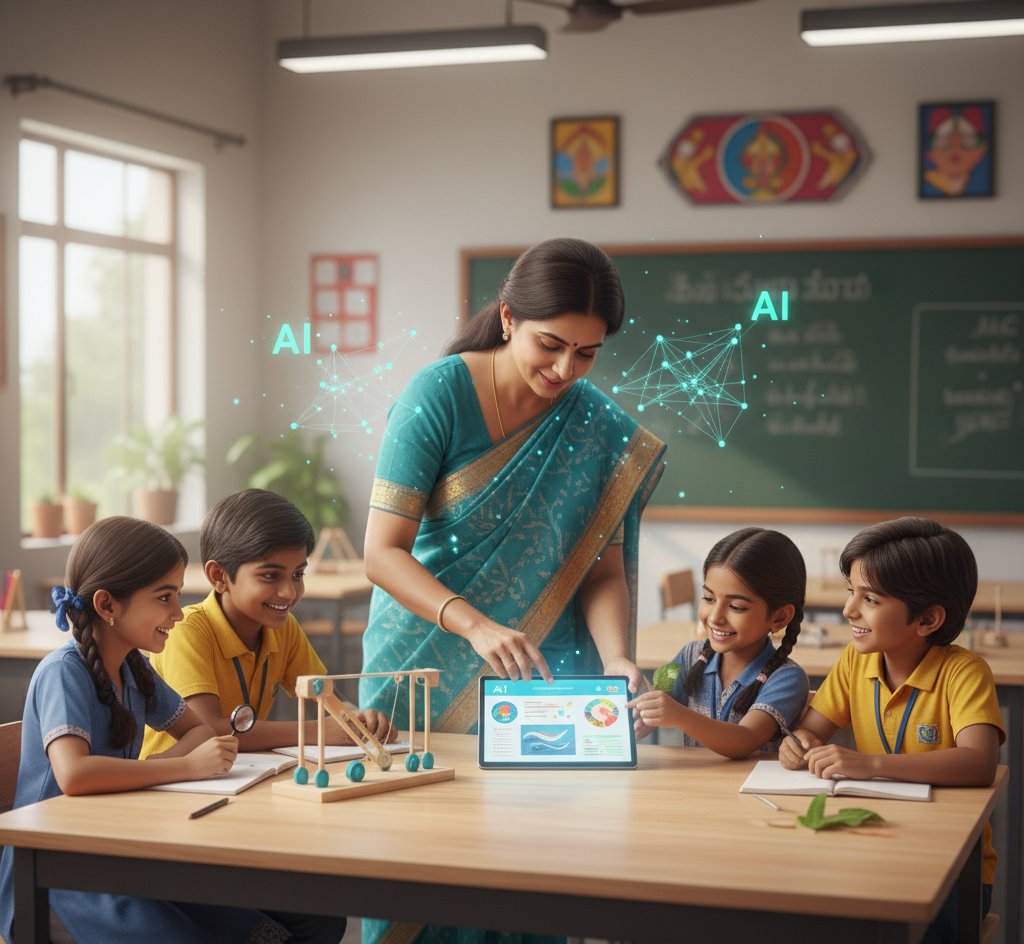
Thought-Provoking Conclusion: The Rise of the Creative Facilitator
The fear that technology will replace the teacher is an antiquated notion. AI is the assistant that empowers the teacher to fully embrace the mantle of a Creative Facilitator and Architect of Experience. By embracing this strategic, low-cost integration of AI, the Indian teacher is not just adapting to the future; they are actively building it, one engaged and empowered student at a time.